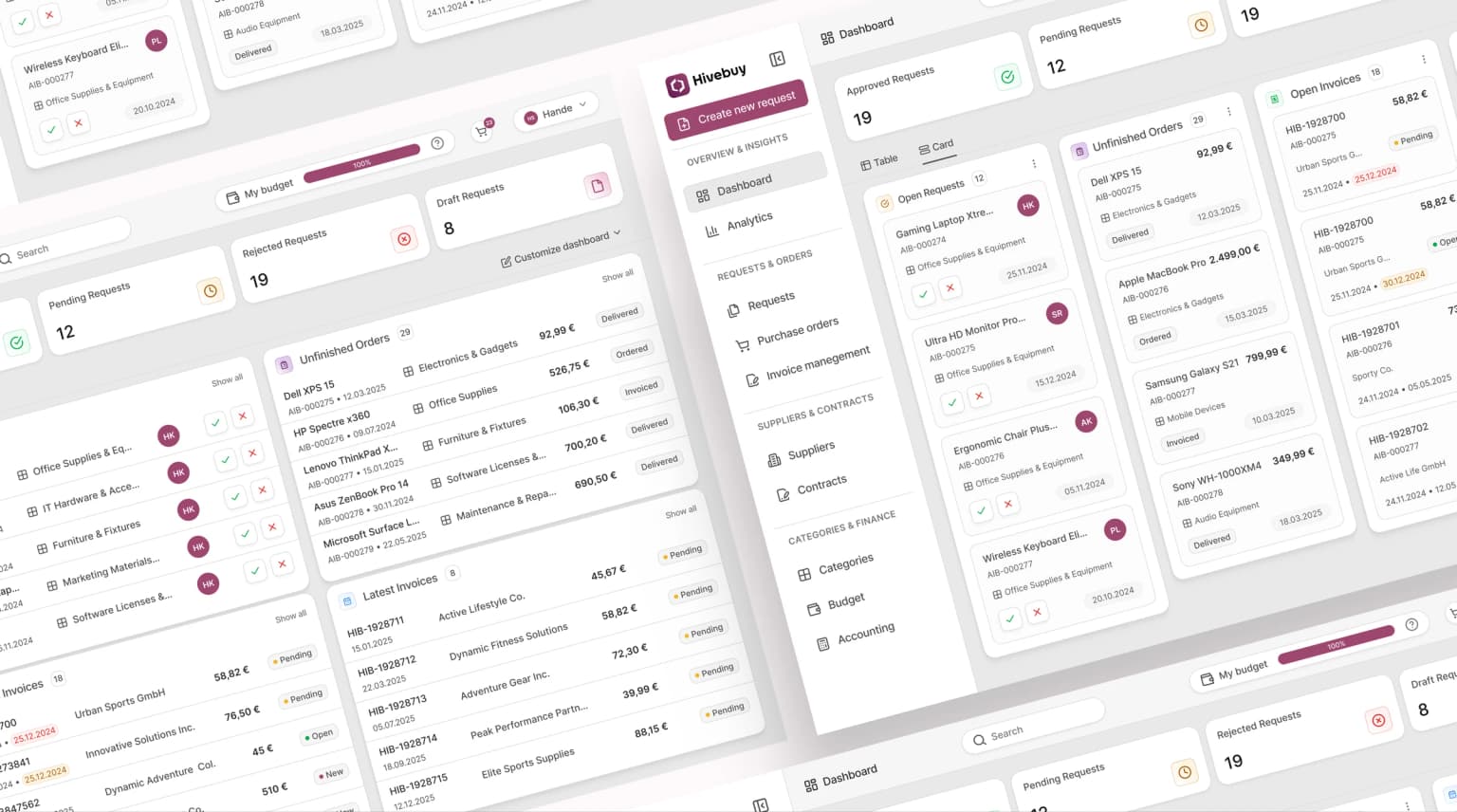
Dashboard
Turning a Procurement Dashboard into an Action Oriented Control Center
Role
Product Designer
Deliverables
Dashboard Redesign, Design System
A company that offers compliance, logistics and marketing support for brands entering the European market. Before the redesign the services appeared disconnected and the platform's visual identity was weak. The goal was to unify the experience and create a consistent design system.
AI Summary
Get a quick overview of this project generated by AI.
The Challenge
Designing a dashboard for a procurement product comes with inherent complexity. Users need access to a large amount of information such as requests, approvals, invoices and budgets. The challenge was deciding what information was essential and how to present it without overwhelming users or creating cognitive overload. At the same time, the project took place in a startup environment with limited time for formal research and usability testing. Design decisions had to balance speed and quality while supporting real daily workflows. The goal was to simplify a complex domain and create clarity without sacrificing functionality.
The Problem
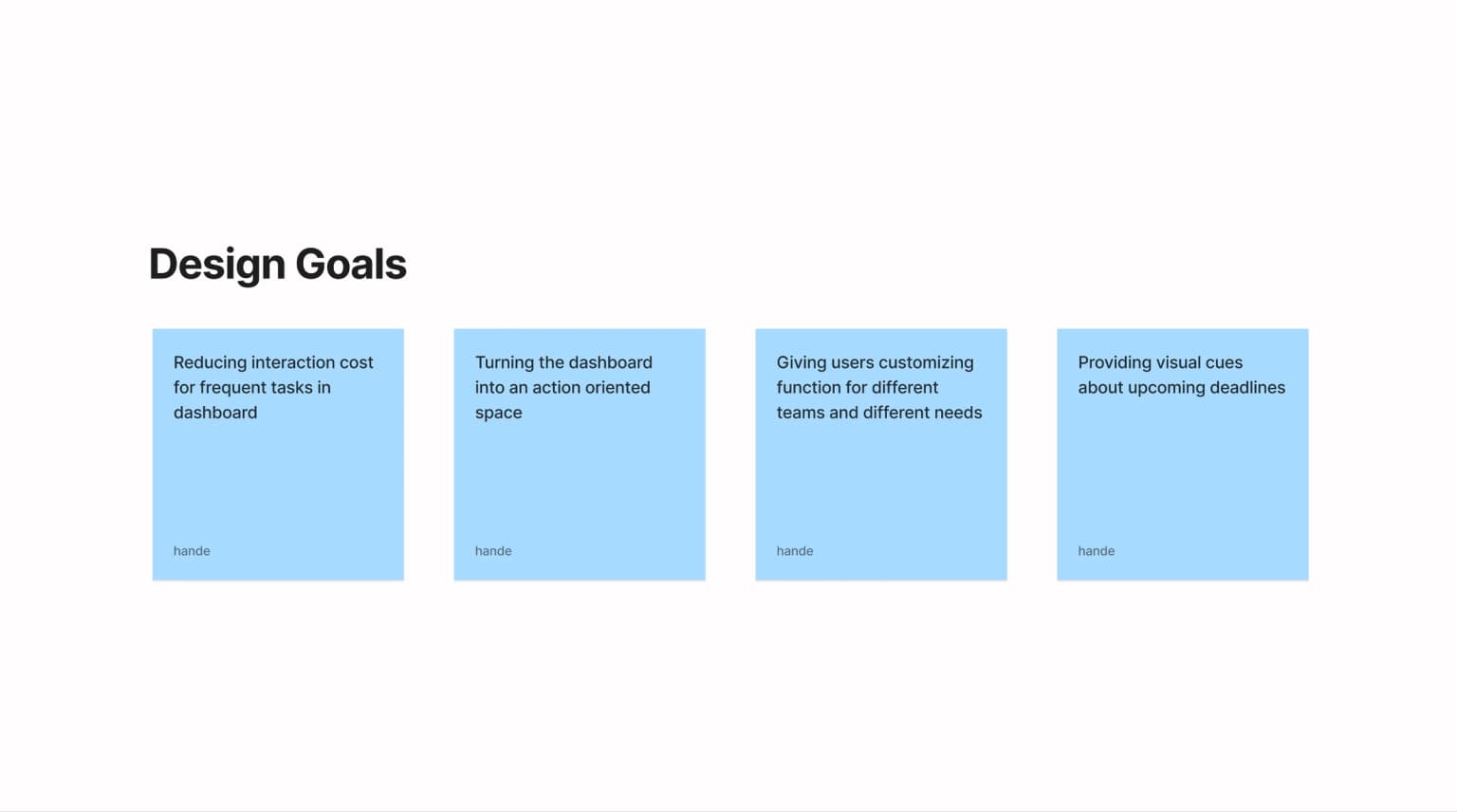
- Too many page transitions for simple actions
- No clear deadline urgency or prioritization
- Request statuses were not visible at a glance
- Different teams could not easily focus on what mattered to them
Research
I worked closely with the founder and customer facing team members who were in regular contact with customers. Their input was based on real conversations, collecting feedback and reported pain points. Also, I reviewed support tickets to identify repeated issues in daily workflows. I also personally used the dashboard to complete core tasks such as approving requests and tracking invoices. This hands on approach helped surface usability issues that were not always explicitly mentioned.
Insights
- Users cannot take action directly from the dashboard and are forced to navigate to other pages to complete tasks, then return to the dashboard each time.
- Users cannot easily identify tasks with approaching deadlines, which causes delays and missed actions.
- Users are unable to customize the dashboard based on their team needs, leading to unnecessary information and visual noise.
- Users struggle to track the status of ongoing processes such as pending, approved or delivered items from a single view.
Results
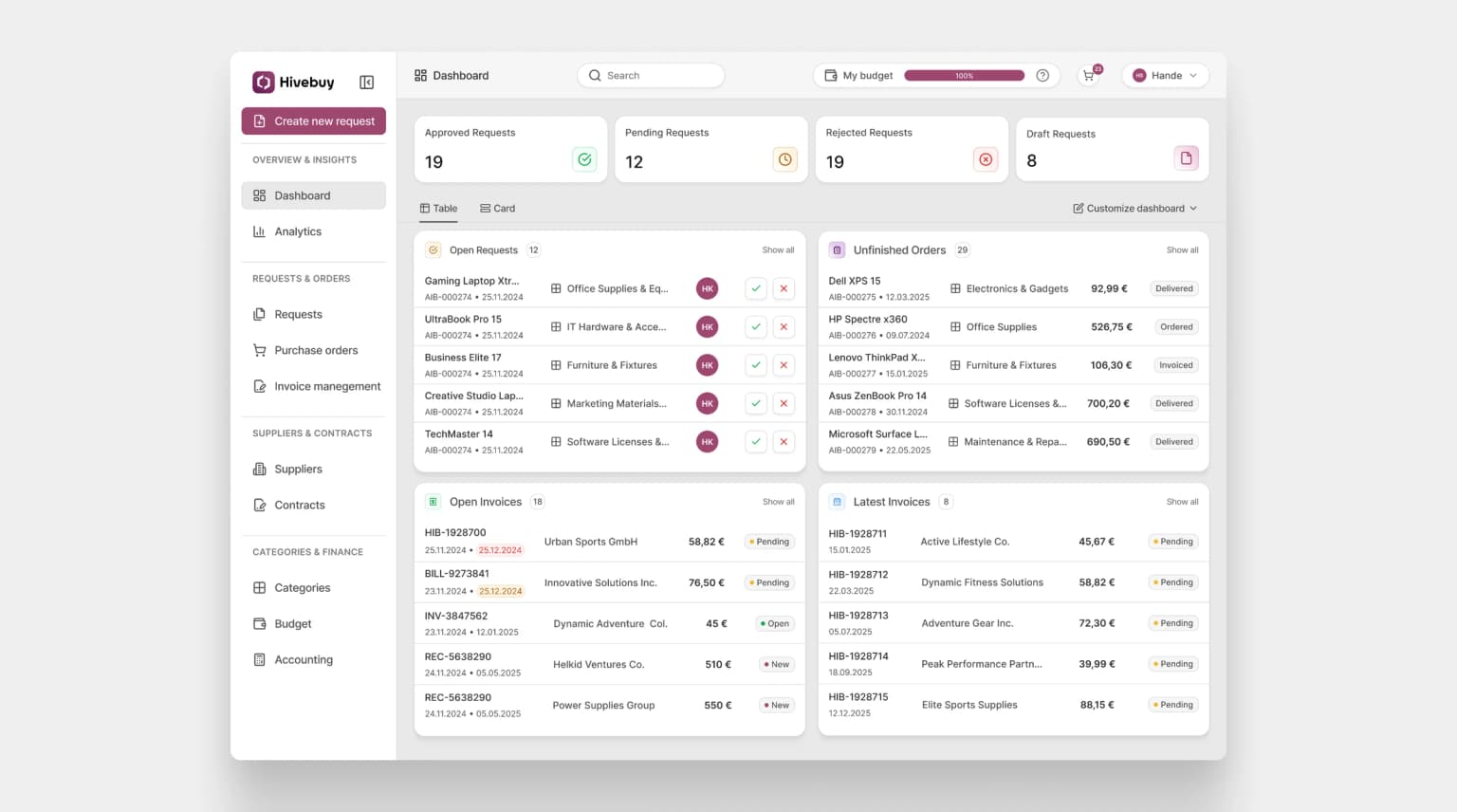
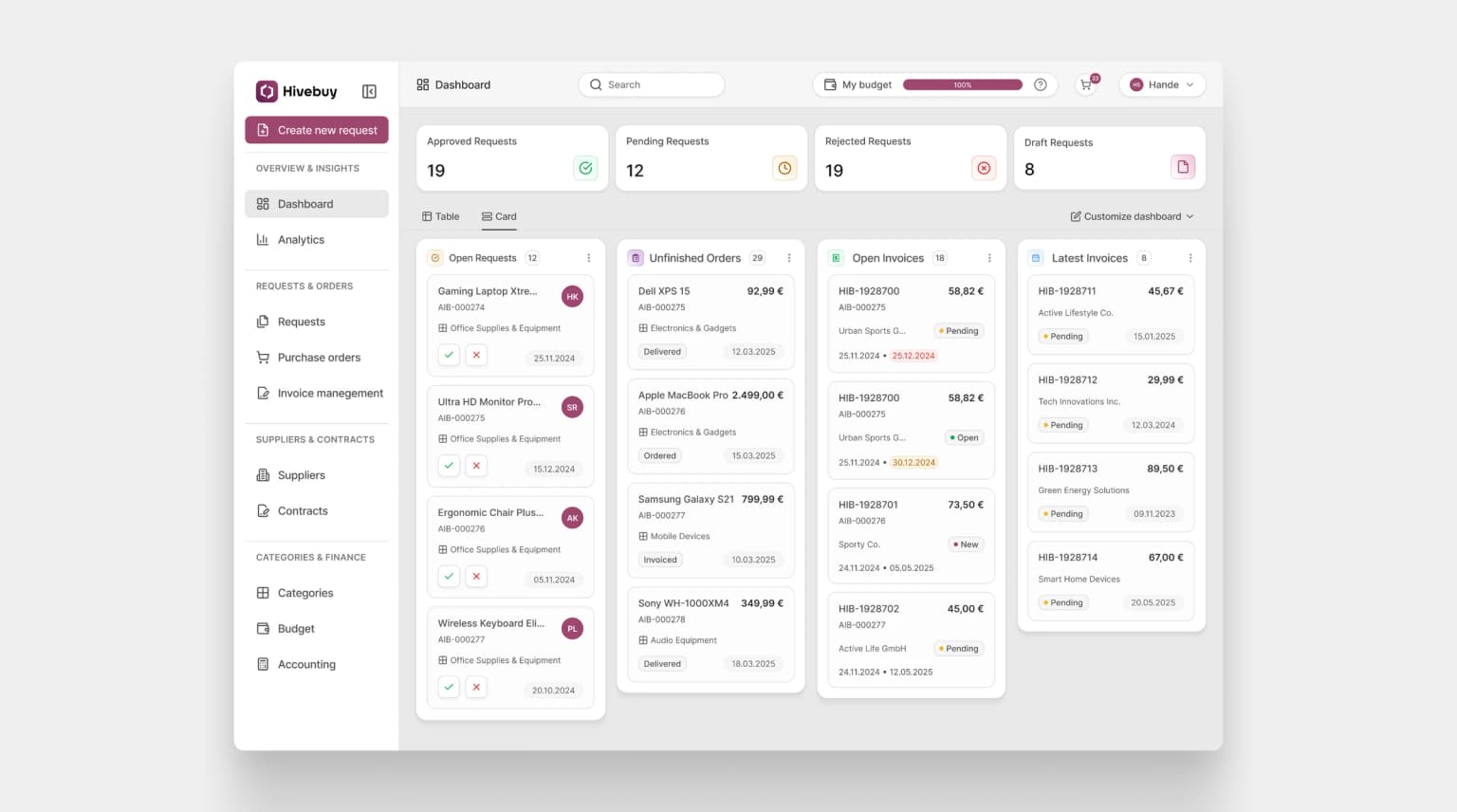
- All dashboard components were redesigned from scratch to replace the outdated visual language and create a consistent, modern UI system.
- For action driven areas such as open requests, primary action buttons were added directly on the dashboard. This allows users to complete tasks without navigating to other pages.
- Status tags were introduced across all workflows, making it easy to track the current state of requests, invoices and deliveries at a glance.
- Open invoices with approaching due dates were automatically prioritized at the top of the list and highlighted with a red background to increase urgency and visibility.
- A customize dashboard action was added, allowing users to choose which sections they want to see based on their team needs.
- Users can switch between table and card views, enabling them to choose the layout that best fits their workflow and preference.